How to Optimize Robot Vacuum Mapping for Homes with Free‑Roaming Cats: Tips to Keep Maps Accurate and Cats Safe
Introduction
One of the most common challenges for cat owners who use robot vacuums is maintaining accurate navigation while ensuring the safety of curious felines. This guide will teach the reader how to configure mapping features, set virtual boundaries, and adopt cleaning habits that prevent the robot from startling or trapping cats. By following these steps, one can enjoy hands‑free cleaning without compromising the well‑being of beloved pets.
The information presented is applicable to most LiDAR‑based robot vacuums and includes specific product recommendations that enhance each stage of the process. Even readers who choose not to purchase the suggested tools will find actionable advice that improves mapping reliability.
What You’ll Need
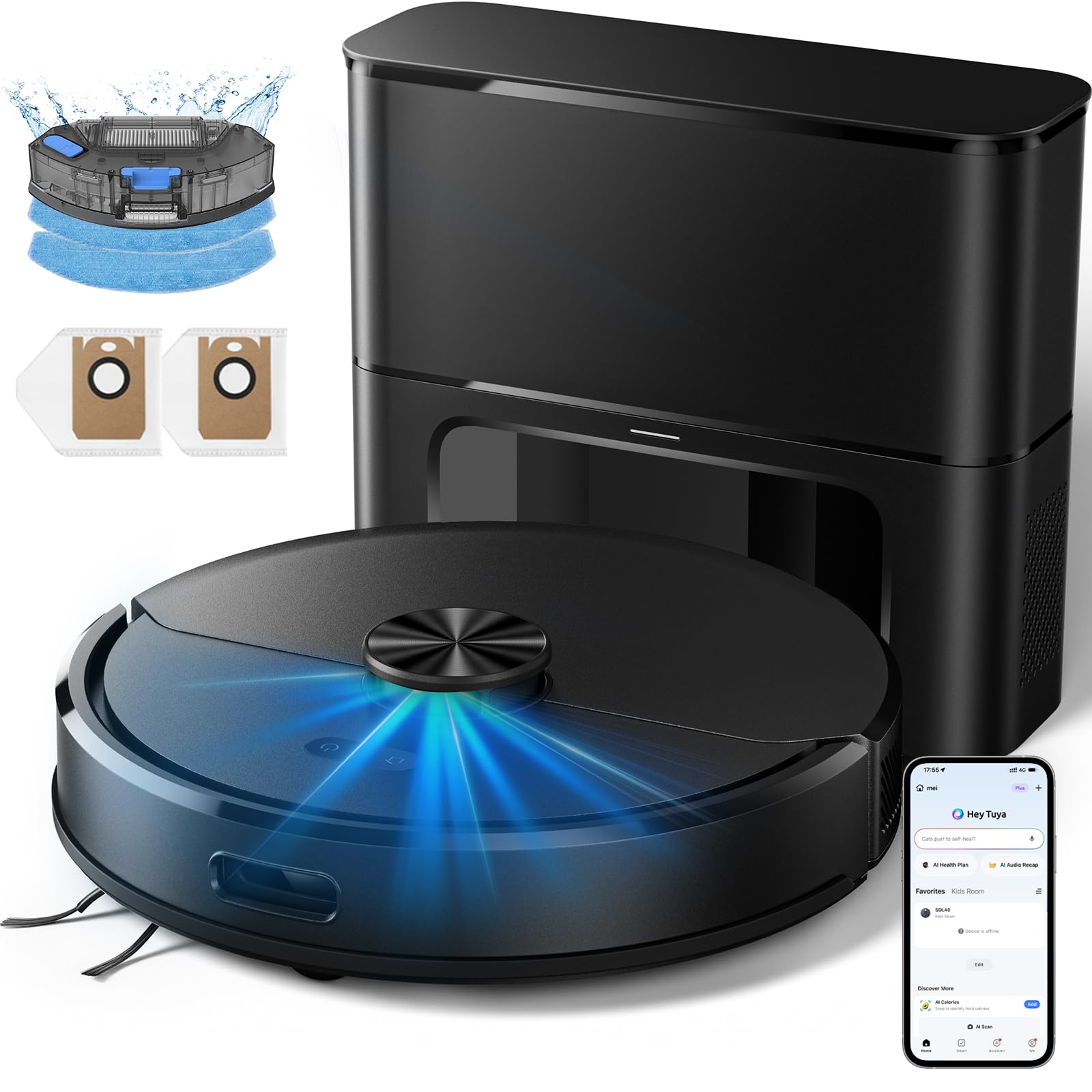
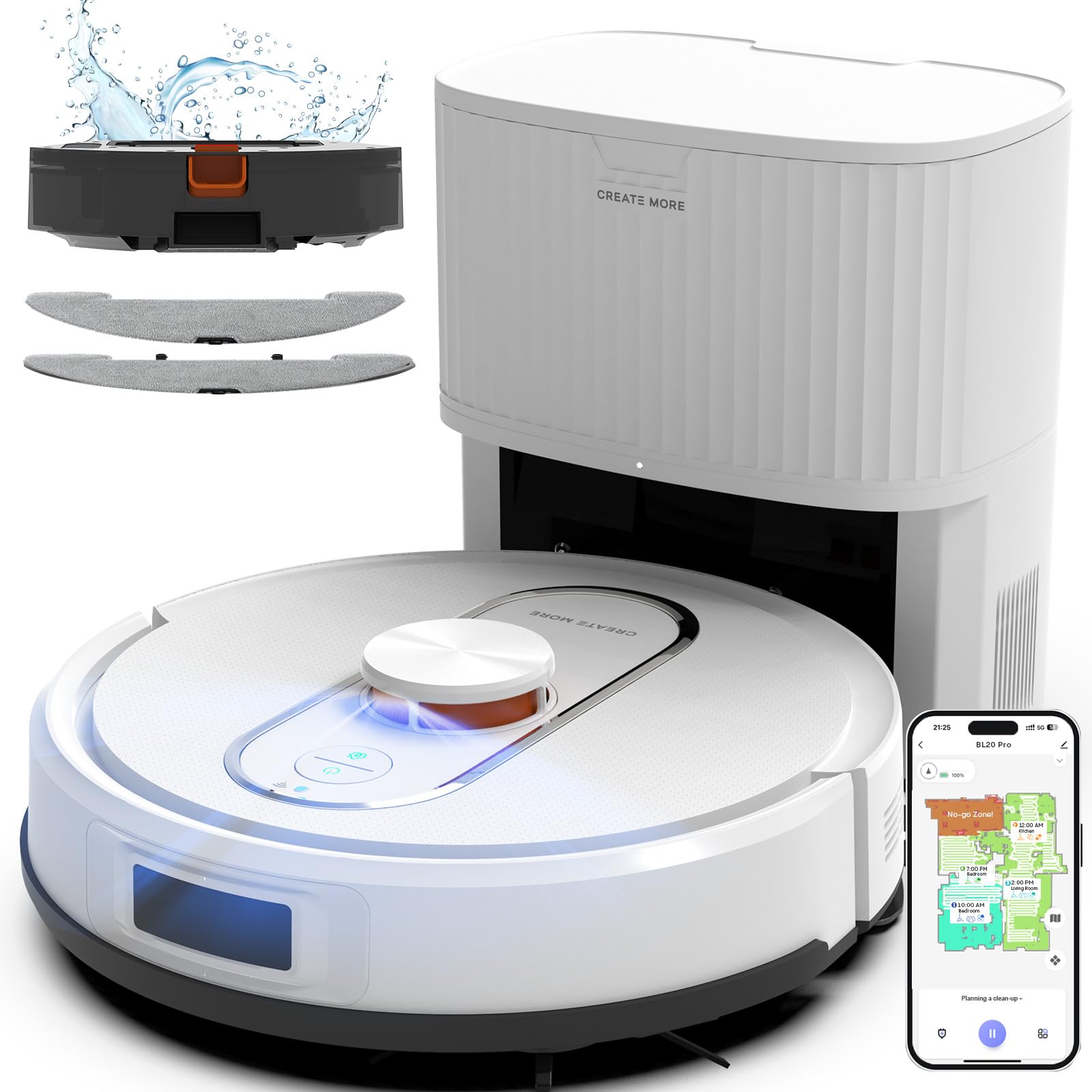
- A LiDAR‑enabled robot vacuum with self‑emptying capability (e.g., Kilgone Robot Vacuum & Mop or Bagotte Robot Vacuum & Mop).
- Smartphone with the robot’s companion app installed.
- Cleaning accessories such as a microfiber dusting cloth and a small brush for obstacle removal.
- Optional: Portable pet gate or low‑profile barrier to create temporary no‑go zones during mapping.
Step 1: Prepare the Home Environment
Before initiating the first map, clear the floor of loose items that could confuse the robot’s sensors. Toys, cords, and small decorative objects often appear as obstacles, leading the vacuum to generate inaccurate waypoints. Sweep the area with a microfiber cloth to remove dust that might obscure LiDAR reflections.
Next, secure any areas where cats habitually hide, such as under furniture or inside open cabinets. If a cat is likely to climb onto a high surface, consider placing a low‑profile barrier to prevent the robot from attempting to climb and potentially causing a fall.
Finally, ensure the charging dock is placed on a stable, flat surface away from high‑traffic cat routes. This placement reduces the chance that a cat will block the robot’s return path.
Step 2: Initiate LiDAR Mapping
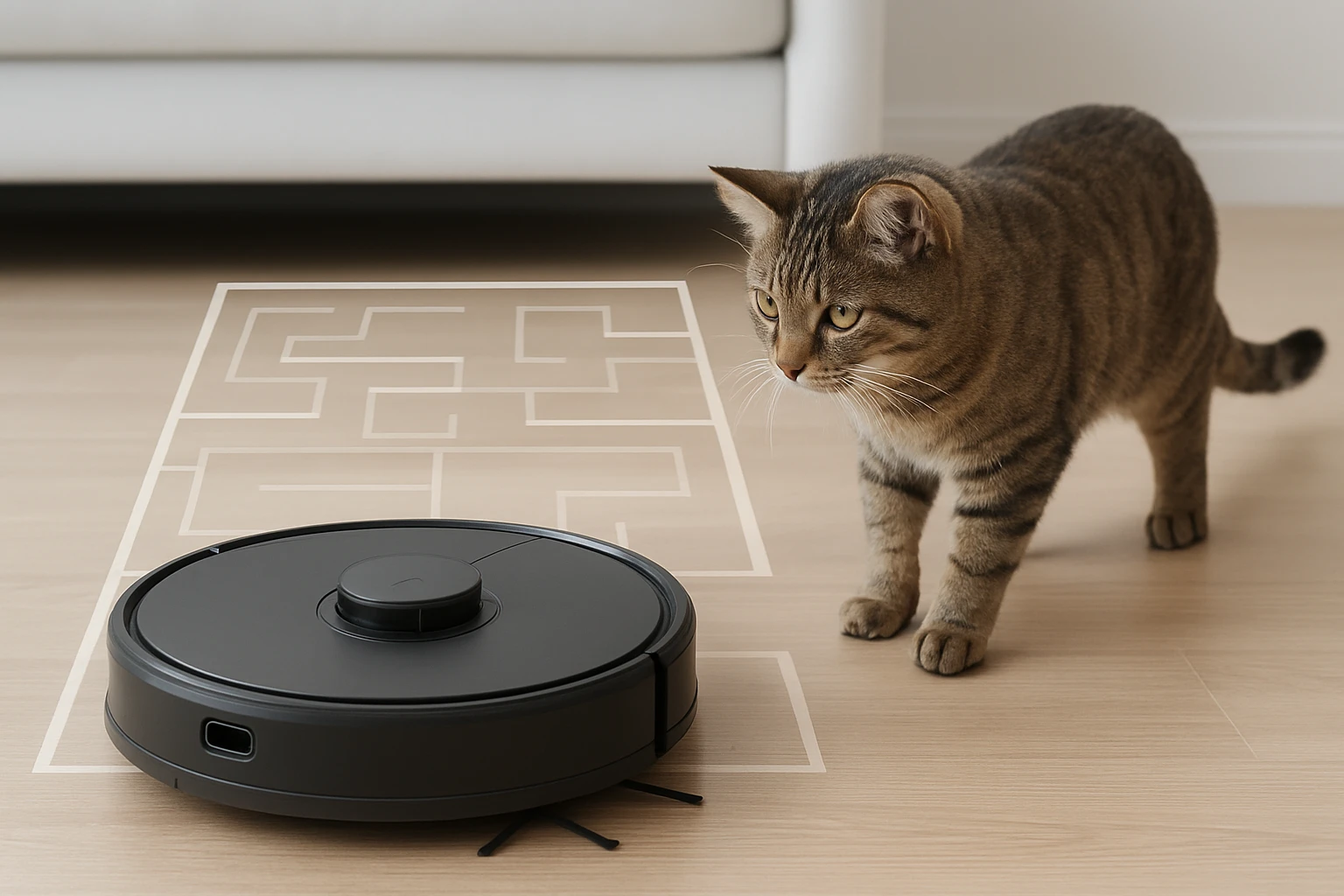
Power on the robot and select the “Mapping” mode in the companion app. LiDAR (Light Detection and Ranging) emits laser pulses that measure distances to surrounding objects, creating a precise digital map. The Kilgone Robot Vacuum & Mop features 360° LiDAR scanning and can store up to five floor maps, making it ideal for multi‑level homes.
During the initial scan, allow the robot to complete a full‑home pass without interruption. The device will pause briefly at each room to capture detailed geometry. This process typically takes 15‑20 minutes for a standard 1,600‑sq‑ft layout.
Why the Kilgone model is useful for this step: its 6000 Pa cyclone suction does not interfere with the laser sensor, and the 2.5 L self‑emptying dustbag prevents dust accumulation that could otherwise obscure the LiDAR lenses. Priced at $219.99 with a 4.6‑star rating from 105 reviews, it offers a cost‑effective solution for accurate mapping.
Step 3: Create Virtual No‑Go Zones for Cat Safety
After the map is generated, open the app’s “No‑Go Zones” feature. Draw virtual walls around areas where cats frequently lounge, such as sunny windowsills, cat trees, or litter boxes. The robot will treat these zones as impassable, avoiding accidental encounters that could startle a cat or cause the robot to become trapped.
The Bagotte Robot Vacuum & Mop provides a highly intuitive interface for setting these zones, and its 6000 Pa suction ensures that even thick cat hair is removed without the brush becoming tangled. With a price of $239.99 and a 4.9‑star rating from 85 reviews, it delivers premium navigation control.
When drawing zones, use a margin of at least 12 inches from the cat’s usual perch. This buffer gives the robot ample space to maneuver while respecting the animal’s territory.
Step 4: Adjust Cleaning Schedules to Align with Cat Activity
Most cats are most active during dawn and dusk. Scheduling cleaning sessions for mid‑day or late evening reduces the likelihood of the robot encountering a roaming cat. In the app, set a recurring schedule that matches the household’s quiet periods.
If the robot supports “Quiet Mode,” enable it during times when cats are sleeping. The Kilgone model operates at 65 dB, quieter than a normal conversation, making it less likely to disturb a sleeping feline.
Additionally, enable “Auto‑Recharge & Resume.” Should the robot encounter a temporary obstacle, it will return to the dock, recharge, and continue cleaning from the point of interruption, minimizing the chance of it becoming stuck near a cat.
Step 5: Maintain the Mapping System
Regularly clean the LiDAR sensor lens with a soft, lint‑free cloth to prevent dust buildup that could degrade mapping accuracy. Perform this maintenance at least once a month, or after any major cleaning event that generates fine particles.
The self‑emptying dustbag of both recommended models reduces the need for frequent bin emptying, but it should still be inspected for clogs, especially when dealing with long cat hair. Replace the bag when it reaches its 2.5 L capacity to maintain suction performance.
Finally, after any significant furniture rearrangement, initiate a “Re‑Map” command. This action updates the robot’s internal representation of the home, ensuring that new obstacles are recognized and that the virtual no‑go zones remain correctly positioned.
Tips & Pro Tips
- Use a portable pet gate to create temporary barriers while the robot performs its first full‑home scan.
- Label the virtual no‑go zones in the app with descriptive names (e.g., “Cat Tree”) for quick reference.
- Enable notifications in the app to receive alerts when the robot encounters an unexpected obstacle.
- Consider a low‑profile rug runner in high‑traffic cat areas; this provides a smooth surface that the robot can navigate easily while giving the cat a defined space.
Troubleshooting
Problem: The robot repeatedly stops near a cat’s favorite spot.
Solution: Verify that a virtual no‑go zone has been correctly drawn around the area. If the zone exists, increase its buffer distance by an additional 6‑12 inches.
Problem: Mapping appears distorted after moving a large piece of furniture.
Solution: Use the app’s “Reset Map” feature and perform a fresh scan. Ensure the LiDAR lens is clean before starting.
Conclusion
By preparing the environment, leveraging LiDAR mapping, establishing virtual barriers, aligning cleaning schedules with cat activity, and maintaining the robot’s sensors, one can achieve reliable navigation while safeguarding free‑roaming cats. The recommended Kilgone and Bagotte models provide the necessary hardware features to execute each step efficiently.
Implement these practices, and the household will benefit from spotless floors, uninterrupted cat playtime, and a longer lifespan for the robot vacuum.
Products Mentioned in This Guide
Frequently Asked Questions
How can I set virtual boundaries to keep my robot vacuum away from my cat’s favorite spots?
Use the app’s no‑go zones or magnetic strips to block areas where cats eat, sleep, or play, preventing the vacuum from entering those zones.
Do LiDAR‑based robot vacuums work better around free‑roaming cats than camera‑based models?
Yes, LiDAR scans the room’s geometry without relying on visual cues, so cat movement doesn’t confuse the navigation as much as it can with camera sensors.
What cleaning schedule minimizes the chance of startling my cat?
Run the vacuum during times when cats are resting or in another room, and enable quiet mode for low‑noise operation.
Are there accessories that improve mapping accuracy in homes with pets?
A dedicated mapping mat or reflective tape on furniture edges helps the LiDAR sensor maintain consistent reference points despite cat interference.
How do I ensure my robot vacuum’s self‑emptying dock stays cat‑proof?
Place the dock on a stable surface away from high‑traffic cat areas and secure the dustbin lid so curious paws can’t open it.