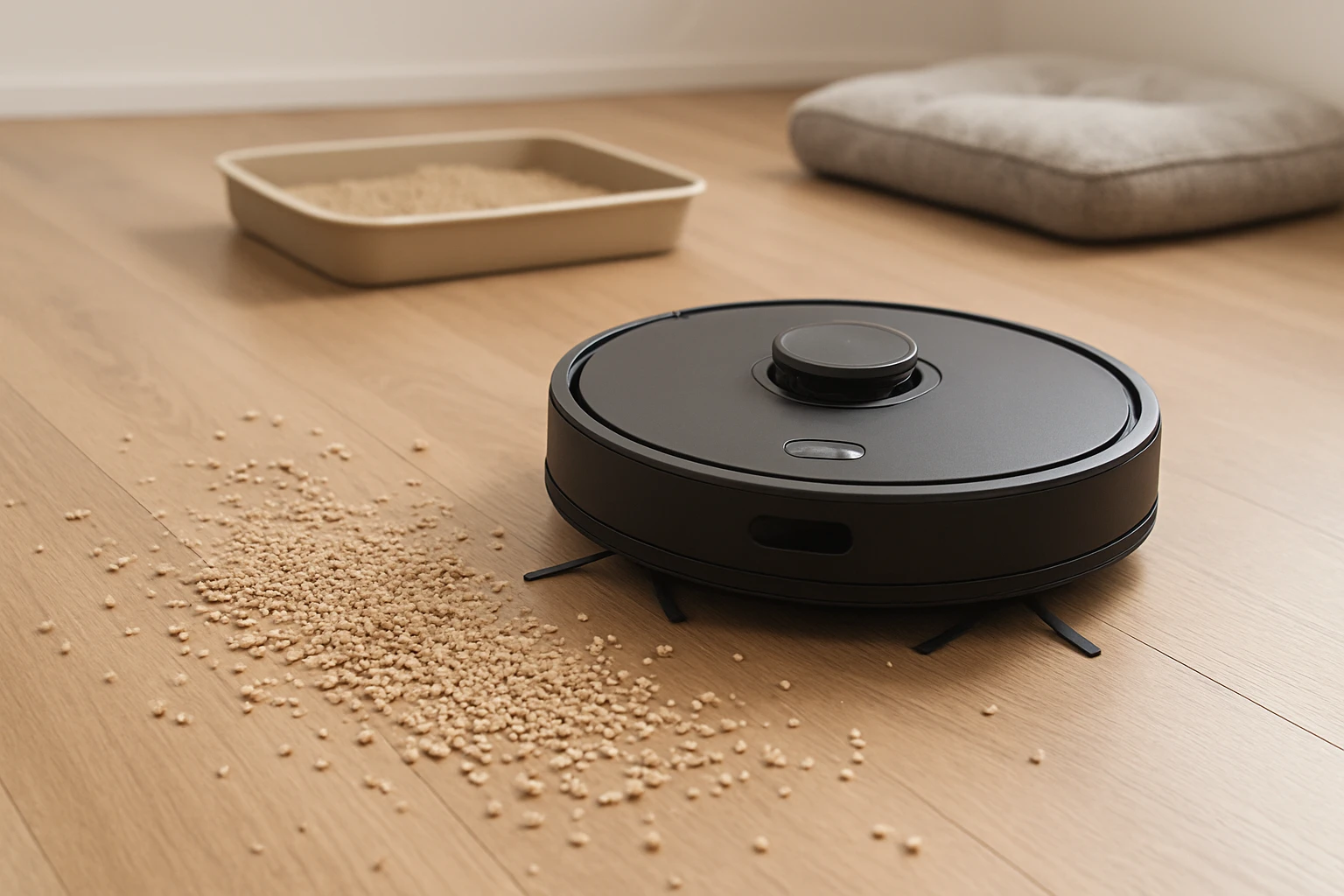
Stop Robot Vacuum From Spreading Pet Litter in 8 Steps
Pet owners often discover that their robot vacuum unintentionally spreads litter across hard floors, creating a cycle of cleaning and re‑contamination. This guide explains eight simple, effective steps that one can implement to prevent a robot vacuum from redistributing pet litter, while preserving the device's performance and extending its lifespan. The reader will learn how to optimise filter efficiency, maintain brushes, adjust scheduling, and employ practical barriers that reduce litter pickup. By following these instructions, one can enjoy a cleaner home without sacrificing the convenience of automated cleaning.
The recommendations combine proven maintenance techniques with affordable replacement components that are readily available on Amazon. While the guide remains useful without purchasing any items, the suggested tools provide measurable improvements in dust capture and brush durability. Each step includes a brief rationale, actionable instructions, and a product suggestion where appropriate. The tone remains professional and authoritative, ensuring that intermediate users can implement the advice with confidence.
What You’ll Need
- Replacement high‑efficiency filters for iRobot Roomba models (e.g., Improvedhand Roomba Filters)
- All‑in‑one replacement parts for compatible robot vacuums (e.g., JJ Neumann Vacuum Parts)
- Soft microfiber cleaning cloths
- Low‑pile area rugs or litter containment mats
- Adjustable scheduling app on a smartphone
1. Assess the Litter Distribution Zones
The first step is to identify the areas where pet litter is most likely to be encountered by the robot vacuum. One should observe the pet’s litter box location, the surrounding floor type, and any high‑traffic pathways that intersect the cleaning route. Mapping these zones enables the user to adjust virtual boundaries or set no‑go zones within the vacuum’s companion app. By limiting access to the litter box vicinity, the robot reduces the chance of picking up loose granules.
When the mapping is complete, one can create a visual reference on a floor plan to guide subsequent steps. This reference assists in selecting appropriate barriers and scheduling adjustments that align with the pet’s routine. It also provides a baseline for measuring the effectiveness of the interventions described later in the guide.
2. Upgrade to High‑Efficiency Filters
Filters capture fine particles that the vacuum’s suction stream pulls from the floor, and a high‑efficiency filter can retain up to 99.9% of dust and litter fragments as small as 0.1 microns. Replacing the stock filter with a premium set improves overall air quality and prevents captured litter from being re‑released during cleaning cycles. The Improvedhand Roomba Filters package includes six replacement filters and a cleaning brush, priced at $8.97, and holds a rating of 4.6 out of 5 from 2,854 reviews.
Installation requires no tools; one simply removes the old filter and inserts the new one, a process that takes a few minutes. The user should clean the filter brush weekly and replace the filter every two months for optimal performance. This routine not only traps pet litter but also reduces wear on the vacuum’s motor, extending the device’s operational life.
3. Clean and Inspect the Brush Roll
The brush roll agitates debris on the floor, allowing suction to lift particles into the filter. Over time, hair, litter clumps, and dust can become tangled, reducing brush efficiency and causing litter to be flung back onto the floor. One should detach the brush roll according to the manufacturer’s instructions and remove any debris using a soft brush or the cleaning brush provided with the filter set.
If the brush roll shows signs of wear, such as flattened bristles or cracked plastic, replacement is advisable. The JJ Neumann Vacuum Parts kit contains a main rolling brush, six side brushes, and six HEPA‑style filters, priced at $13.25, with a rating of 4.6 out of 5 from 1,709 reviews. This comprehensive kit ensures that all brush components are refreshed simultaneously, maintaining consistent cleaning power.
4. Adjust Suction Power Settings
Many robot vacuums allow the user to select suction intensity based on floor type. For hard floors near the litter box, reducing suction to a moderate level can prevent the robot from pulling up loose litter particles that would otherwise remain settled. One should consult the device’s app to set a custom suction profile for the identified zones.
Lower suction does not compromise the cleaning of larger debris, and it reduces the amount of litter that reaches the filter, thereby extending filter life. This adjustment also conserves battery power, enabling longer cleaning cycles without the need for frequent recharging.
5. Replace Side Brushes with Durable Alternatives
Side brushes sweep debris toward the central suction path, and worn brushes can scatter litter across the floor rather than channeling it into the vacuum. The side brushes included in the JJ Neumann Vacuum Parts kit are constructed from high‑strength bristles that retain their shape even after repeated use. Installing these brushes ensures consistent lateral cleaning while minimizing litter displacement.
Installation involves removing the old brushes and snapping the new ones into the designated slots; no additional tools are required. The user should inspect the brushes monthly and replace them when bristles appear frayed, a practice that maintains optimal sweep efficiency.
6. Deploy Litter Containment Mats
Placing a low‑pile, washable mat directly in front of the litter box creates a physical barrier that captures loose granules before the robot vacuum can encounter them. One should select a mat with a textured surface that traps litter while allowing the robot to glide smoothly. The mat should be cleaned regularly to prevent buildup.
When the robot approaches the mat, its wheels will roll over the surface without pulling litter onto the floor. This simple addition reduces the frequency of filter changes and brush cleanings, complementing the mechanical upgrades described in earlier steps.
7. Schedule Cleaning Around Litter Box Maintenance
Coordinating the robot vacuum’s cleaning schedule with the pet’s litter box maintenance routine can dramatically reduce litter redistribution. One should set the robot to clean shortly after the litter box has been emptied and the floor has been wiped. This timing allows any residual particles to settle before the robot begins its cycle.
Most robot vacuums support custom cleaning schedules via a mobile app; the user can create a daily or weekly routine that aligns with the pet’s habits. Consistent scheduling also ensures that the vacuum operates on a predictable timetable, reducing the likelihood of missed spots.
8. Perform Routine Maintenance Checks
Regular maintenance is essential to sustain the effectiveness of all previous steps. One should conduct a visual inspection of the filter, brush roll, side brushes, and wheels at least once a month. Any signs of damage, excessive wear, or blockage should be addressed immediately.
During each maintenance session, the user can also update the robot’s firmware to benefit from the latest algorithm improvements that enhance obstacle detection and cleaning efficiency. By adhering to a disciplined maintenance schedule, the robot vacuum remains reliable and continues to prevent pet litter from being redistributed.
Tips & Pro Tips
- Use a microfiber cloth to wipe the robot’s sensors after each cleaning cycle; this prevents dust from interfering with navigation.
- When replacing filters, store the spare filters in a sealed container to protect them from humidity.
- Consider adding a small water‑based cleaning solution to the mat in front of the litter box to dissolve clumped litter.
- Enable the robot’s “edge cleaning” mode only on hard floors, as this feature can sometimes lift litter from baseboards.
Troubleshooting
Problem: The robot continues to spread litter despite following the steps.
Solution: Verify that the virtual no‑go zones are correctly configured and that the side brushes are securely installed. Replace the filter if it shows signs of saturation, and ensure the brush roll is free of tangled litter.
Problem: Reduced suction power after several cycles.
Solution: Clean the filter brush and inspect the HEPA‑style filters for blockage. Replace the filters using the Improvedhand Roomba Filters set if cleaning does not restore performance.
Conclusion
By implementing the eight steps outlined above, one can effectively prevent a robot vacuum from redistributing pet litter while maintaining high cleaning standards. Upgrading to high‑efficiency filters, refreshing brush components, adjusting suction settings, and employing simple physical barriers work together to create a comprehensive solution. Consistent scheduling and routine maintenance further reinforce these measures, ensuring long‑term reliability and a healthier indoor environment.
Readers are encouraged to apply these practices and observe the measurable reduction in litter spread. The combination of proper tool selection and disciplined upkeep will result in a cleaner home and a more satisfied pet owner.
Products Mentioned in This Guide
Frequently Asked Questions
Why does my robot vacuum spread pet litter across the floor?
The vacuum’s suction and rotating brushes can pick up loose litter and then deposit it elsewhere when the debris bin overflows or the brush releases particles.
How can I adjust the robot’s schedule to reduce litter redistribution?
Program cleaning times when litter boxes are empty or after you’ve recently swept up loose litter, so the robot encounters less debris.
What filter upgrades help capture more pet litter?
High‑efficiency HEPA or fine‑mesh filters trap smaller particles, preventing litter from escaping the vacuum’s system.
Are there simple barriers I can use to keep litter away from the robot?
Place low‑profile mats or pet‑gate strips around the litter box to block the robot’s path while still allowing it to navigate the room.
How often should I clean the brushes and rollers to avoid litter buildup?
Inspect and clean the main brush and side rollers after each cleaning cycle or at least once a week to maintain optimal performance.