How to Use Robot Vacuums for a Spring Shedding Cleanup Plan: Step-by-Step Tips to Remove Pet Hair Fast
Introduction
Spring often brings an increase in pet shedding as animals respond to changing daylight and temperature. Homeowners who own dogs or cats quickly discover that traditional vacuuming can become a time‑consuming chore during this period. This guide explains how to create an efficient spring shedding cleanup plan by leveraging modern robot vacuums. Readers will learn how to prepare their living spaces, program their devices, and maintain optimal performance while minimizing manual effort. By following the steps, one can achieve a consistently clean home, reduce allergens, and preserve the appearance of carpets and hard floors.
The instructions are written for an intermediate audience that is comfortable with basic household technology but may be unfamiliar with advanced robot‑vacuum features such as LiDAR mapping or self‑emptying bases. Each section includes practical tips, product recommendations, and explanations of why a particular device is suited to a given task. The result is a comprehensive plan that can be implemented without purchasing new equipment, although the recommended tools provide measurable advantages.
What You'll Need
- A robot vacuum with strong suction and self‑emptying capability (see product recommendations below).
- Smartphone with the manufacturer's companion app installed.
- Wi‑Fi network that supports 2.4 GHz connectivity.
- Optional: Additional cleaning accessories such as a handheld vacuum for spot‑cleaning and a microfiber mop for final polishing.
Step 1: Assess the Home Layout and Identify High‑Traffic Zones
Before activating any robot vacuum, one should walk through the home and note areas where pet hair accumulates most heavily. Typical high‑traffic zones include entryways, living‑room rugs, under‑furniture spaces, and staircases. Mapping these zones enables the user to create custom cleaning schedules that target problem areas more frequently.
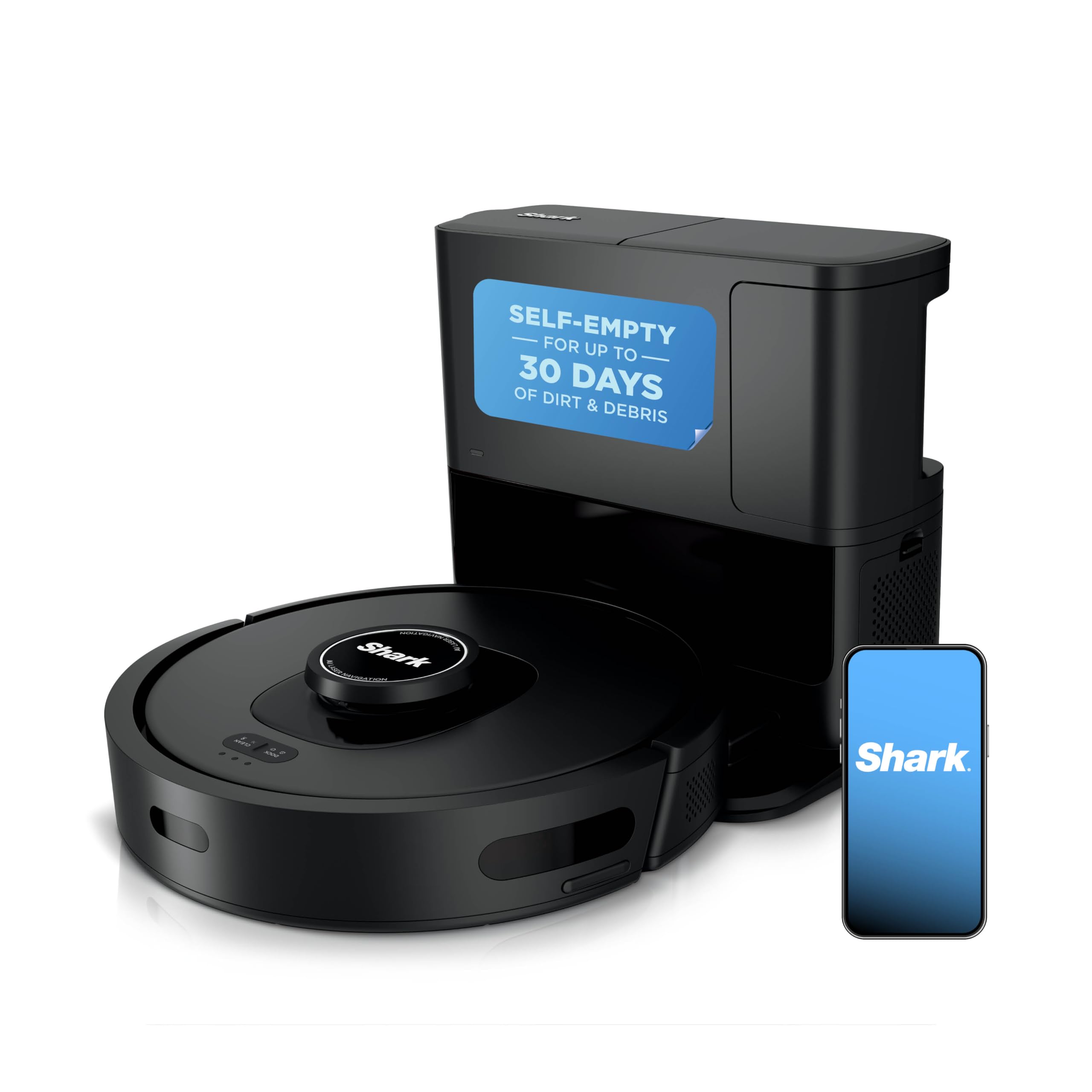
For homes with complex floor plans, a robot vacuum equipped with 360° LiDAR navigation provides the most reliable mapping. The Shark AI Ultra uses precise LiDAR vision to generate an accurate floor plan, allowing the user to set virtual no‑go zones and prioritize rooms. Its advanced mapping reduces the likelihood of missed spots and ensures that the robot follows the most efficient route.
During this assessment, take note of any obstacles such as pet bowls, cords, or low‑lying furniture that could impede the robot's path. Adjust the environment by moving items or using the robot's built‑in boundary features to prevent collisions.
Step 2: Configure the Self‑Empty Base and Prepare the Dust Container
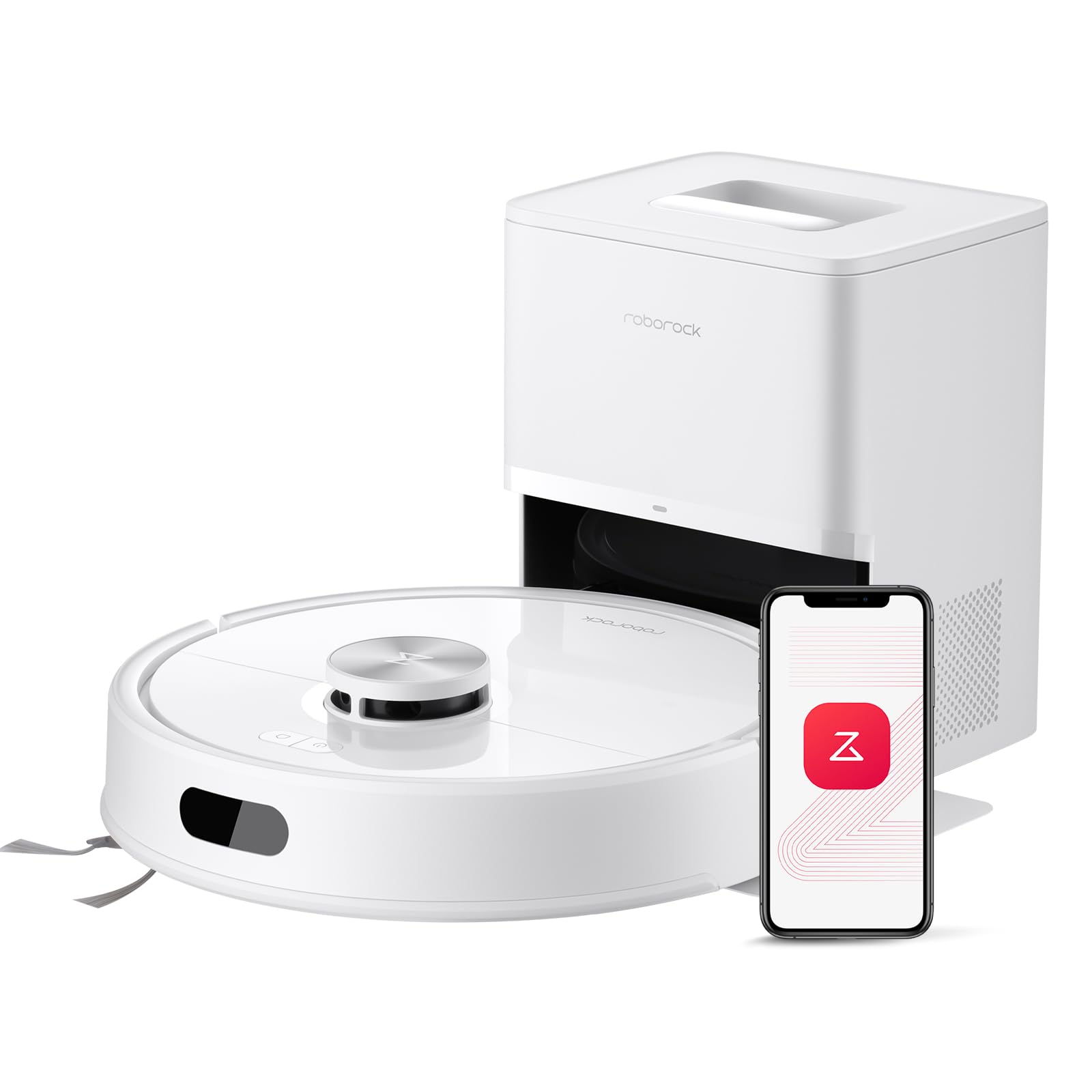
Both the Shark Matrix Clean and the Roborock Q7 M5+ feature self‑emptying bases that store weeks of debris, dramatically reducing the frequency of manual emptying. For a household that sheds heavily, the longer capacity is essential to avoid interruptions.
The Shark Matrix Clean offers a bagless base capable of holding up to 60 days of pet hair and dust. Its HEPA filtration captures allergens, which is valuable for families with allergy‑prone members. Setting up the base involves placing it on a stable surface near a power outlet, inserting the dust bag, and ensuring the seal is secure.
Alternatively, the Roborock Q7 M5+ provides a 2.7 L sealed dust bag that supports up to seven weeks of hands‑free cleaning. The larger capacity is comparable to the Shark model but includes a dual anti‑tangle brush system, which is particularly useful for long‑haired pets. Follow the manufacturer's instructions to attach the RockDock Plus base, then verify that the robot docks correctly during its first recharge cycle.
Step 3: Set Up Cleaning Schedules in the Companion App
Most modern robot vacuums allow users to program cleaning times via a smartphone app. Scheduling multiple runs per day during peak shedding periods ensures that hair does not have time to settle into carpet fibers.
Using the SharkClean app for the Shark Matrix Clean, create a daily cleaning routine that targets the living‑room and hallway in the morning, followed by a second run in the evening that focuses on the bedroom. The app also permits selection of the "Matrix Clean" mode, which makes the robot pass over each area several times to capture embedded hair.
For the Shark AI Ultra, enable the "Home Mapping" feature to store separate floor plans for each level of a multi‑story home. Schedule a 30‑minute cleaning session on each floor, and use the app's zone cleaning function to concentrate on pet‑heavy areas such as the family room rug.
The Roborock app offers similar zone‑based scheduling for the Roborock Q7 M5+. Its "PreciSense LiDAR" mapping ensures that the robot follows the most efficient path, reducing cleaning time while maintaining thoroughness.
Step 4: Optimize Suction Power and Brush Settings for Pet Hair
Pet hair can become tangled in the main brush, reducing suction efficiency. Selecting a robot vacuum with a self‑cleaning brushroll mitigates this issue.
The Shark AI Ultra incorporates a self‑cleaning brushroll that actively removes hair wrap, ensuring consistent suction throughout each cleaning cycle. Its rating of 4.1 stars from over 8,000 reviews indicates reliable performance for households with shedding pets.
Similarly, the Roborock Q7 M5+ features a dual anti‑tangle design, including a JawScrapers main brush and a side brush that resists hair wrap. This system is especially effective for long‑haired breeds that tend to shed heavily.
When configuring the robot, set the suction level to "high" or "max" if the model provides adjustable power. The Shark Matrix Clean offers a powerful suction mode that captures embedded hair on carpets while still being gentle enough for hard floors. Adjust the mode based on floor type to balance cleaning efficacy with battery consumption.
Step 5: Perform a Pre‑Cleaning Sweep for Large Debris
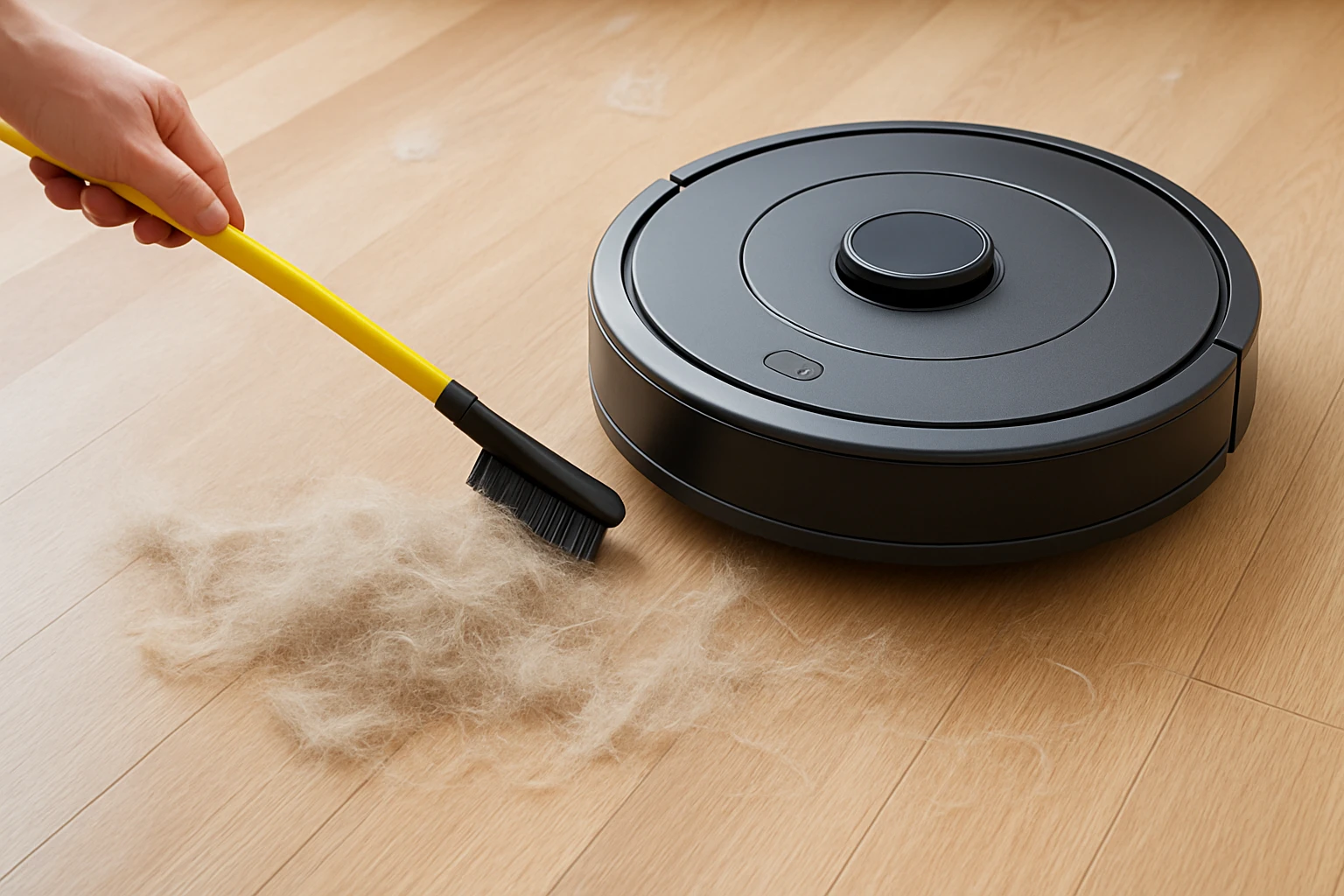
Robot vacuums excel at picking up fine hair and dust, but they may struggle with large objects such as toys, loose cords, or food crumbs. Conducting a quick manual sweep before each robot run prevents the device from becoming stuck and maximizes cleaning efficiency.
Use a lightweight handheld vacuum or a broom to collect visible debris. This step is particularly important when using the Shark Matrix Clean, as its self‑emptying base is designed for fine particles rather than bulky items.
After the manual sweep, ensure that the robot's sensors are unobstructed. Wipe the LiDAR lens or camera with a soft, dry cloth to maintain accurate navigation.
Step 6: Initiate the Cleaning Cycle and Monitor Progress
With schedules set and the environment prepared, start the robot vacuum either via the app or by pressing the physical start button. Most models provide real‑time status updates, including battery level, current room, and estimated time remaining.
The Shark AI Ultra offers a "Recharge & Resume" function that automatically returns to its dock when the battery is low, recharges, and continues cleaning from the point of interruption. This feature ensures uninterrupted coverage of large homes during heavy shedding periods.
For the Roborock Q7 M5+, the app displays a map of cleaned areas, allowing the user to verify that high‑traffic zones received adequate passes. If necessary, trigger a spot‑clean on areas where hair appears to be stubborn.
Step 7: Maintain the Robot Vacuum and Self‑Empty Base
Regular maintenance prolongs the life of the robot and sustains cleaning performance. Empty the self‑emptying base according to the manufacturer's recommendation—typically once a month for heavy shedding households.
For the Shark Matrix Clean, replace the HEPA filter every six months and clean the brushroll with the provided cleaning tool. The robot's bagless design simplifies filter access, and the high rating of 3.9 stars suggests satisfactory durability when maintained properly.
The Roborock Q7 M5+ requires periodic cleaning of the dust bag seal and the anti‑tangle brushes. Remove hair clumps from the JawScrapers brush using a pair of tweezers, and wash the side brush under running water if it becomes heavily soiled.
Tips & Pro Tips
- Run the robot vacuum during the early morning when pets are less active to reduce the chance of hair being displaced onto already cleaned floors.
- Use the app's "Do Not Disturb" mode during pet feeding times to prevent the robot from entering areas with food bowls.
- Enable voice control through Amazon Alexa or Google Assistant for hands‑free start and stop commands.
- Combine robot vacuuming with a weekly deep‑clean using a handheld vacuum to address corners and upholstery that the robot cannot reach.
- Adjust water flow settings on models with mopping capability (e.g., Shark Matrix Clean) to a light mist for hardwood floors, preventing water damage.
Troubleshooting
| Problem | Possible Cause | Solution |
|---|---|---|
| Robot stops mid‑clean | Battery low or obstacle detection | Ensure dock is unobstructed; allow robot to recharge and resume. |
| Hair buildup on brush | Brushroll not self‑cleaning properly | Manually remove hair; verify brushroll cleaning function is enabled in the app. |
| Mapping errors | Dirty LiDAR lens or Wi‑Fi interference | Clean lens with a soft cloth; move router away from high‑traffic cleaning zones. |
Conclusion
By following this step‑by‑step spring shedding cleanup plan, one can leverage the capabilities of modern robot vacuums to maintain a hair‑free home with minimal manual effort. Assessing the layout, configuring self‑emptying bases, scheduling intelligent clean cycles, and performing routine maintenance collectively ensure that pet hair is captured before it becomes embedded in carpets or dispersed throughout the house. The recommended devices—Shark Matrix Clean, Shark AI Ultra, and Roborock Q7 M5+—each offer distinct advantages that address common challenges faced by pet owners during shedding season. Implementing the outlined tips and troubleshooting strategies will further enhance reliability and user satisfaction.
Products Mentioned in This Guide
Frequently Asked Questions
How should I prepare my home before running a robot vacuum for spring shedding?
Clear loose items, sweep large debris, and ensure thresholds are low so the robot can navigate all rooms.
What robot‑vacuum features are most effective for pet hair during shedding season?
Look for strong suction, a high‑capacity brush roll, LiDAR mapping, and a self‑emptying bin.
How often should I schedule cleaning cycles to keep up with heavy shedding?
Program the robot to run at least once daily, or twice in high‑traffic areas, during peak shedding weeks.
Do I need to adjust the robot’s height or brush settings for different floor types?
Yes—set a higher brush clearance for thick carpets and lower it for hard floors to maximize hair pickup.
What maintenance steps keep the robot vacuum performing optimally?
Empty the bin after each run, clean the brush roll and filters weekly, and check wheels for hair tangles.