How to Set Robot Vacuum Agitation for Long‑Haired Pets: Maximize Hair Pickup & Avoid Tangles
Introduction
Pet owners with long‑haired cats or dogs often struggle with stray fur that clings to carpets, hardwood, and upholstery. A robot vacuum can relieve this burden, but only if it is configured correctly for heavy hair. This guide explains how to adjust agitation settings, choose the right accessories, and maintain the device so that it consistently captures hair without tangling. By following the steps, one will achieve cleaner floors, less manual maintenance, and a quieter home environment.
Readers will learn how to assess their flooring, select appropriate suction and brush modes, and integrate advanced features such as smart carpet care and anti‑tangle systems. The information is valuable because it reduces time spent sweeping, prevents costly brush replacements, and extends the lifespan of the robot vacuum.
What You’ll Need
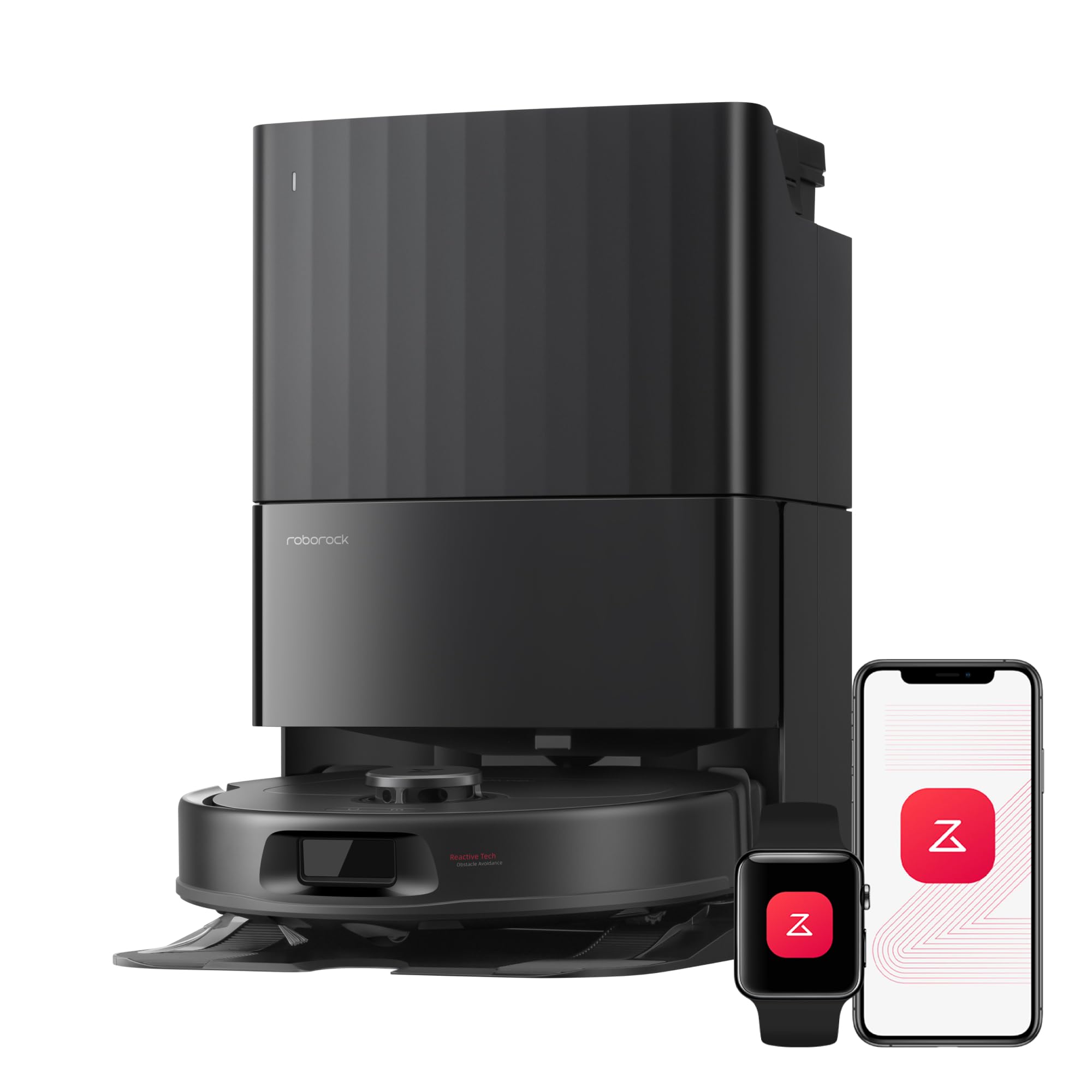
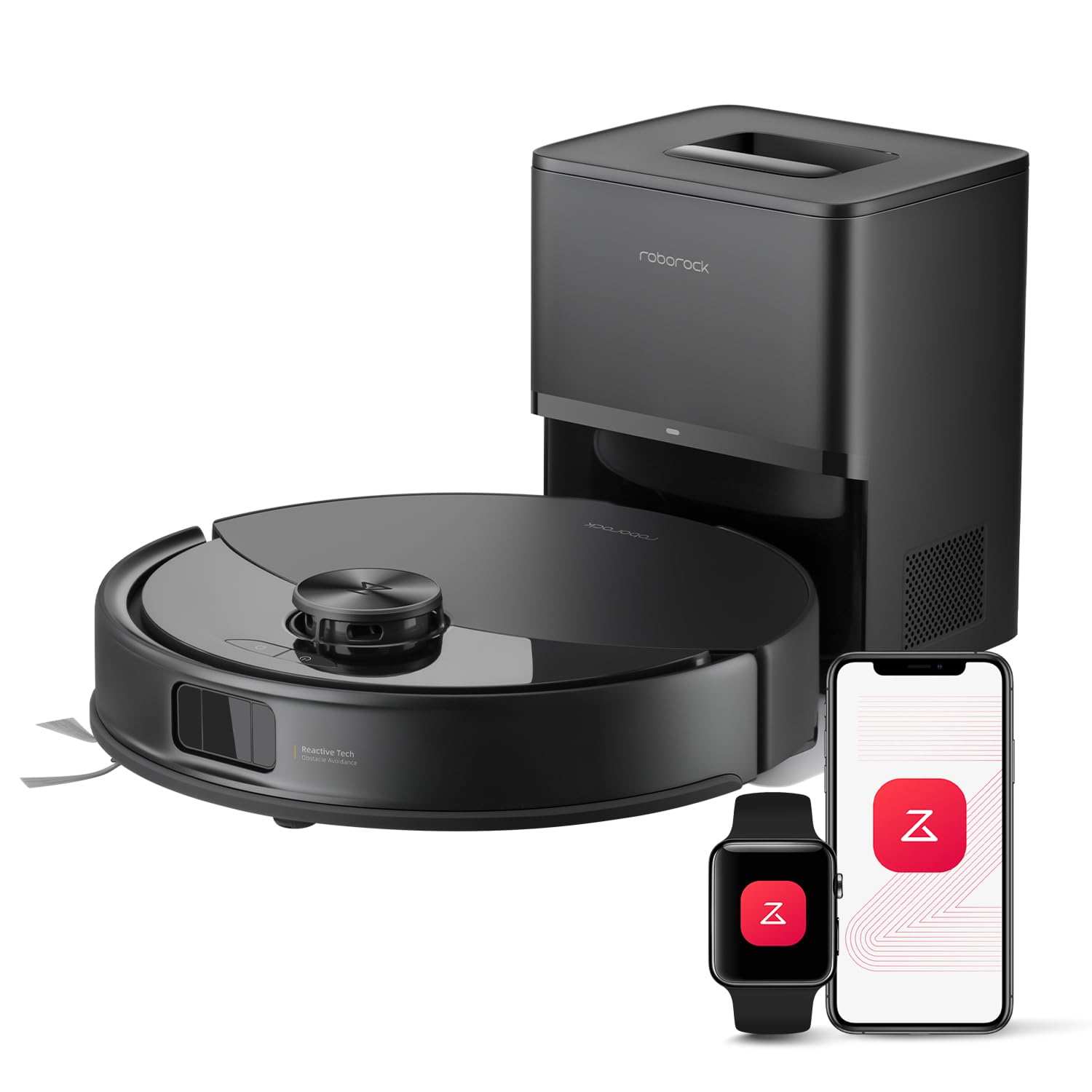
- A robot vacuum capable of adjustable suction and brush settings (e.g., Roborock Q10 S5+ or Roborock Qrevo S Pro).
- Access to the robot’s companion app on a smartphone or tablet.
- A clean, empty dustbin or self‑emptying station.
- Optional: replacement side brush and main brush for high‑hair environments.
Step 1 – Assess Your Flooring and Hair Load
Begin by walking through each room and noting the type of flooring—hardwood, tile, low‑pile carpet, or high‑pile rug. Long‑haired pets shed more on carpeted surfaces because static electricity lifts hair from the fur. Record which rooms contain the most hair accumulation; these areas will require higher suction and more aggressive brush agitation.
Next, estimate the daily hair load. A household with two long‑haired cats typically generates a larger volume of loose fur than a single short‑haired dog. Understanding the load helps you decide whether to enable the robot’s maximum suction (10,000 Pa for the Q10 S5+ or 18,500 Pa for the Qrevo S Pro) and whether to activate the anti‑tangle side brush.
Why this matters: Setting the robot to a low suction mode on a carpet with heavy shedding will leave visible hair, defeating the purpose of automation. Conversely, using maximum suction on delicate hardwood may cause unnecessary wear. Tailoring the settings to each floor type ensures optimal performance.
Step 2 – Configure Suction Power in the App
Open the Roborock app and navigate to the device settings panel. Locate the “Suction Power” slider. For rooms with high‑pile carpet, slide the control to the highest level (10,000 Pa for the Q10 S5+; 18,500 Pa for the Qrevo S Pro). For hardwood or tile, set the suction to medium (approximately 5,000 Pa) to avoid scratching while still capturing hair.
Save the profile as a custom cleaning mode named “Pet Hair – High”. This allows you to schedule the robot to automatically select the appropriate suction when cleaning pet‑dominant zones.
Product recommendation: The Roborock Q10 S5+ offers a 10,000 Pa HyperForce suction system that lifts embedded pet hair from deep within carpet fibers. It holds a rating of 4/5 from 18,276 reviews, indicating reliable performance in households with pets.
Step 3 – Activate the Dual Anti‑Tangle System
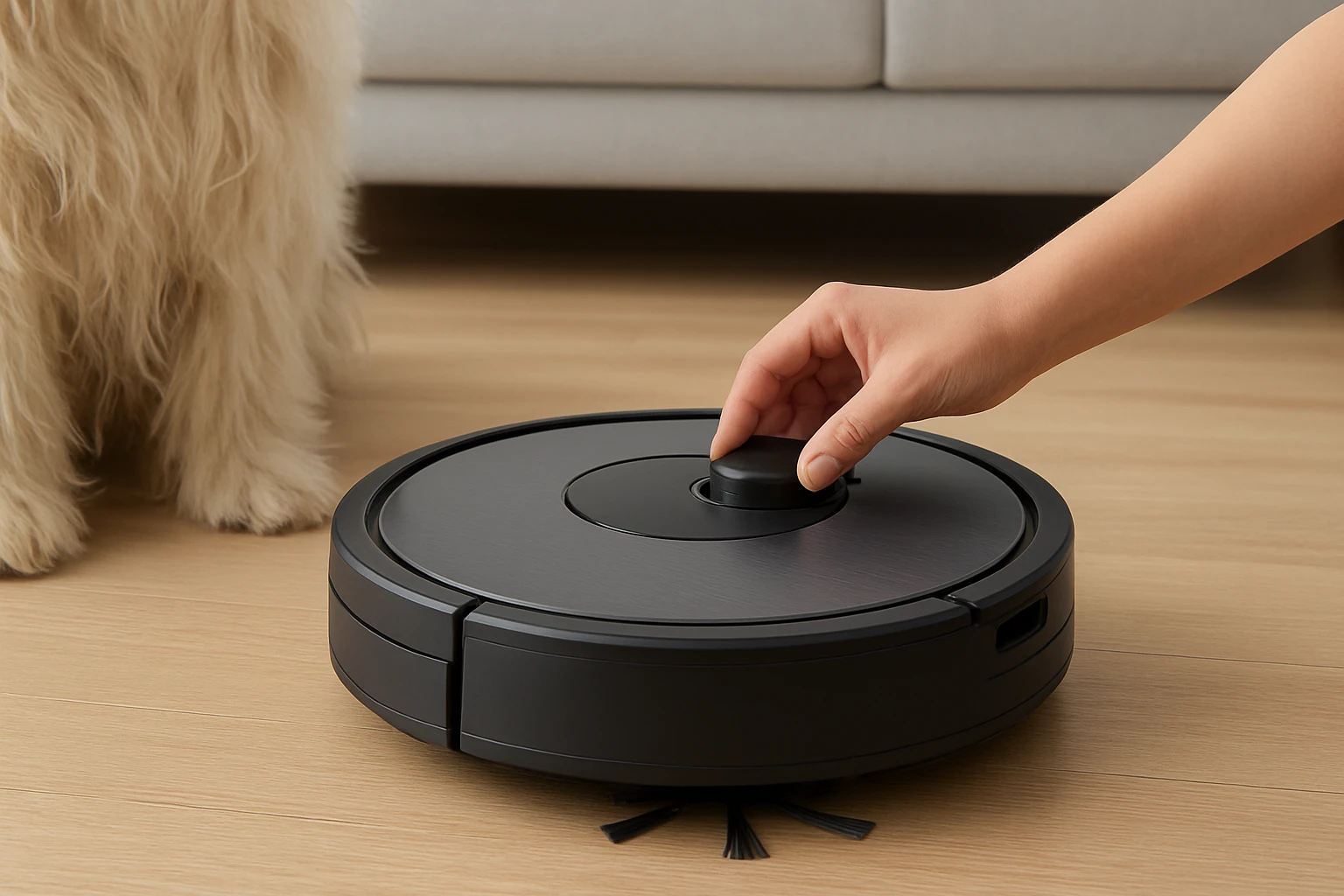
Long‑haired pets often cause hair to wrap around traditional bristle brushes, leading to clogs and reduced cleaning efficiency. Both recommended robots feature a Dual Anti‑Tangle System. In the app, enable the “Anti‑Tangle Brush” option. This activates the JawScrapers Comb main brush and the specialized rubber side brush that flexibly glide over hair without wrapping.
If the robot is already in use, inspect the brushes after each cleaning cycle. Remove any visible hair and rinse the side brush under warm water. Regular maintenance prevents buildup and maintains the system’s effectiveness.
Why this product helps: The Qrevo S Pro’s anti‑tangle system is engineered for pet homes, using a zero‑tangle side brush and an all‑rubber main brush. Users report fewer interruptions and longer intervals between brush replacements.
Step 4 – Set Up Smart Carpet Care and Ultrasonic Detection
Both models incorporate ultrasonic sensors that detect carpet boundaries. Enable the “Smart Carpet Care” feature in the app so the robot automatically raises the mop module when it encounters a carpet, preventing wetting of fibers. This also triggers a boost in suction power for deeper cleaning on carpeted areas.
Test the feature by placing a small rug in a hallway and starting a cleaning session. Observe whether the robot lifts the mop and increases suction as it transitions onto the rug. Adjust the sensitivity if the robot fails to recognize the carpet edge.
Product note: The Q10 S5+ uses VibraRise 2.0 mopping technology with dual‑zone sonic vibration, scrubbing up to 3,000 times per minute. While this is primarily a mopping feature, its ability to lift the mop up to 8 mm ensures that carpet fibers remain dry while still benefiting from increased suction.
Step 5 – Optimize Cleaning Paths with LiDAR Mapping
Accurate navigation reduces redundant passes, which can cause excessive brush wear and increased hair tangling. Activate the PreciSense LiDAR navigation system in the app and allow the robot to create a detailed map of each floor. Assign “No‑Mop” zones over high‑traffic carpet areas where only suction is needed.
After the initial mapping, edit the map to label pet‑heavy rooms. Schedule the robot to prioritize these zones during its cleaning cycle. The LiDAR system’s 360° scanning ensures that the robot follows the most efficient route, minimizing the time spent on each surface.
Why LiDAR matters: Precise mapping prevents the robot from repeatedly crossing the same carpeted area, which would otherwise increase the chance of brush entanglement with long hair.
Step 6 – Maintain the Self‑Emptying Station
Both robots include a self‑emptying dock with a 2.7 L dust bag that can hold up to 70 days of debris. Empty the bag only when the indicator light flashes, typically after several weeks of heavy pet hair collection. When emptying, wear a dust mask to avoid inhaling fine hair particles.
Clean the filter inside the dock with a soft brush and mild detergent. A clogged filter reduces suction power, especially on carpeted surfaces where high suction is essential for hair pickup.
Product detail: The Qrevo S Pro’s dock also features a 167 °F high‑temperature self‑cleaning mop system that refreshes the mop pads after each use, ensuring that hair does not accumulate on the mop while the robot focuses on suction.
Tips & Pro Tips
- Schedule cleaning during low‑traffic hours to allow the robot to work uninterrupted, especially on carpeted rooms with heavy shedding.
- Use a dedicated side brush for pet hair; replace it every three months to maintain optimal anti‑tangle performance.
- Run a quick “Spot Clean” on areas where pets shed heavily, such as near feeding stations, to concentrate suction where it is needed most.
- Keep doors to pet‑only rooms open so the robot can map and clean them without manual intervention.
- For homes with both hardwood and carpet, create separate cleaning schedules: high‑suction carpet mode in the morning and low‑suction hardwood mode in the evening.
Troubleshooting
Problem: Brush becomes tangled despite anti‑tangle setting.
Solution: Turn off the robot, remove the side brush, and manually clear hair. Inspect the main brush for hair wrapped around the JawScrapers Comb. Clean both brushes with warm water and a mild soap, then dry completely before reinstalling.
Problem: Suction drops after several cleaning cycles.
Solution: Check the dust bag in the self‑emptying dock; replace it if it is near capacity. Also, clean the internal filter and ensure the LiDAR sensor lens is free of dust.
Problem: Robot fails to recognize carpet edges.
Solution: Re‑calibrate the ultrasonic carpet detection in the app. Place a small piece of carpet with a contrasting color near the edge to improve sensor accuracy.
Conclusion
By assessing flooring, configuring suction, enabling anti‑tangle brushes, and leveraging smart carpet detection, one can maximize hair pickup while preventing brush clogs. Regular maintenance of the self‑emptying station and brushes ensures long‑term reliability. Implementing these steps will result in consistently clean floors, reduced manual sweeping, and a more comfortable environment for both pets and owners.
Products Mentioned in This Guide
Frequently Asked Questions
How do I adjust the agitation settings on a robot vacuum for long‑haired pet hair?
Use the app or control panel to select a high‑agitation mode, which increases brush speed and suction power for deeper hair pickup.
What suction level is optimal for picking up heavy pet fur without draining the battery?
Set suction to the maximum or “carpet boost” setting on hard floors, and a slightly lower but still strong level on carpets to balance performance and runtime.
Which brush type works best for long‑haired pets to prevent tangles?
A rubber‑coated or anti‑tangle brush captures hair without wrapping, making it ideal for long‑haired cats and dogs.
How often should I clean or replace the robot vacuum’s brush and filter when dealing with a lot of pet hair?
Clean the brush and filter after each cleaning session and replace the filter every 1‑2 months, or sooner if suction drops.
Can I use smart carpet‑care features to improve hair pickup on mixed flooring?
Yes, enable the smart carpet‑care mode so the vacuum automatically raises suction and brush intensity when it detects carpet, ensuring consistent hair removal across surfaces.