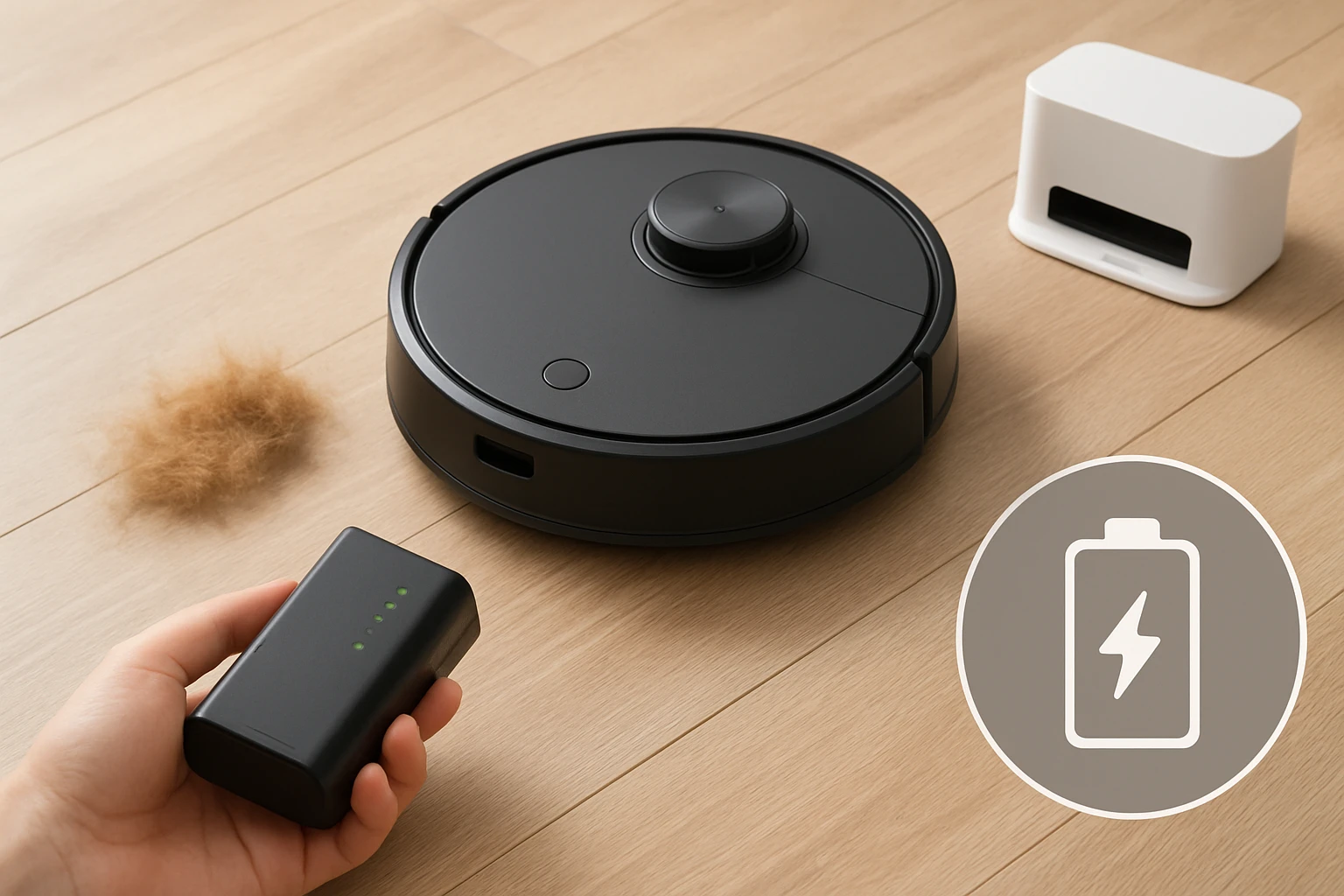
How to Maximize Robot Vacuum Battery Life for Pet Hair Cleaning: 10 Essential Tips to Extend Runtime
Introduction
Pet owners know that a clean floor is a happy floor, but they also know that robot vacuums often run out of juice before the job is finished. This guide explains how to preserve battery health, optimise cleaning cycles, and minimise downtime, so that a single charge can handle a full‑home clean even in a fur‑filled household. By following the ten actionable steps below, readers will learn to extend runtime, reduce wear on the battery, and keep their devices operating at peak efficiency for years.
What You’ll Need
- Roborock Q7 M5+ – high‑performance robot with 7‑week self‑emptying dock.
- MAMNV Robot Vacuum & Mop – budget‑friendly model with brushless suction.
- SHELKI LiDAR Robot Vacuum & Mop – precise LiDAR navigation and quiet night mode.
- Shark Matrix Clean Robot Vacuum – self‑emptying base with Matrix cleaning pattern.
- Tikom G8000 Max Vacuum & Mop – ultra‑slim design and 150‑minute battery life.
- Microfiber cleaning pads (optional for mop‑mode maintenance)
- Spare HEPA filters or filter cartridges for the chosen model
Step‑by‑Step Instructions
1. Choose the Correct Cleaning Mode for Pet Hair
Most robot vacuums offer several suction presets. Selecting a high‑power mode only when necessary prevents unnecessary drain. For dense fur, the Roborock Q7 M5+ provides a "MAX" mode that delivers 10,000 Pa HyperForce suction, ideal for carpets and rugs. In contrast, the MAMNV Robot Vacuum & Mop uses a brushless suction port that maintains strong suction without hair tangles, making its "Balanced" mode sufficient for most hardwood areas while conserving energy.
2. Keep the Dustbin and Filters Clean
A clogged dustbin or filter forces the motor to work harder, shortening runtime. The Roborock’s 2.7 L sealed dust bag can hold weeks of debris, but empty it before it reaches the 80 % full mark to avoid suction loss. The Shark Matrix Clean’s bagless HEPA base requires routine filter rinsing; a simple tap‑out and rinse every 3‑4 cycles restores airflow. Regular maintenance aligns with the manufacturers’ recommendations and protects the battery from excess load.
3. Use the Self‑Empty Dock When Available
Self‑empty docks, such as the RockDock Plus that ships with the Roborock Q7 M5+, reduce the frequency of manual emptying. By keeping the robot’s internal bin nearly empty, the device can maintain optimal suction without drawing extra power to lift heavy loads. The dock’s sealed 2.7 L bag also prevents dust from re‑entering the environment during emptying.
4. Schedule Cleanings During Low‑Power Hours
Running a robot when the home’s overall electricity demand is low (overnight or early morning) does not directly increase battery life, but it reduces the chance of power‑related interruptions that force the unit to pause and resume, which consumes extra energy. The Roborock app, the MAMNV Tuya app, and the SharkClean app all allow precise scheduling. Set a nightly cleaning window of 2‑3 am for a quiet, uninterrupted run.
5. Optimise Navigation Settings
LiDAR‑based navigation maps the home efficiently, cutting redundant passes. The SHELKI LiDAR Robot Vacuum & Mop builds 2‑D floor plans in real time, allowing you to create exclusion zones around pet feeding stations or litter boxes, preventing the robot from repeatedly entering high‑traffic fur zones. Disabling map‑saving on models that support it (as some users do with Roborock) can also avoid “ghost” maps that cause extra cleaning loops.
6. Keep Wheels and Sensors Free of Hair
Pet hair can wrap around side brushes and wheel axles, increasing friction and drawing more current. The Dual Anti‑Tangle Design on the Roborock Q7 M5+ uses a JawScrapers main brush and a 0 % hair‑tangling side brush, dramatically reducing the need for manual cleaning. For models without this feature, such as the Tikom G8000 Max, schedule a quick brush‑wipe after each week of heavy shedding.
7. Adjust Water Flow When Using Mop Mode
When the robot is set to mop, excessive water adds weight and drains the battery faster. The Roborock offers three adjustable water‑flow settings; selecting the lowest flow for light‑mist cleaning saves power while still lifting fine dust. The MAMNV model includes a 230 ml water tank; using the “light” setting for daily maintenance and reserving the “full” setting for occasional deep‑cleaning strikes a balance between cleaning efficacy and runtime.
8. Maintain an Optimal Battery Temperature
Lithium‑ion cells degrade faster when exposed to extreme heat or cold. Place the charging dock in a climate‑controlled area, away from direct sunlight or drafty windows. The Shark Matrix Clean’s base is designed to dissipate heat, but it still benefits from a room temperature of 20‑25 °C (68‑77 °F). If the home’s temperature fluctuates seasonally, consider a small fan or heater to keep the dock within this range.
9. Use Firmware Updates Regularly
Manufacturers often release firmware that refines power‑management algorithms. Both Roborock and Shark push updates that improve battery‑life predictions and reduce idle current draw. Enable automatic updates in the respective apps to ensure the robot benefits from the latest efficiency improvements without manual intervention.
10. Calibrate Battery Health Periodically
Most robot vacuums allow a full‑charge calibration cycle. Once every three months, let the unit run until the battery is fully depleted, then charge it uninterrupted to 100 %. This practice realigns the battery’s internal gauge, preventing premature low‑battery warnings that could cause the robot to return to the dock early, thereby shortening the effective cleaning window.
Tips & Pro Tips
- Pre‑clean large debris. Removing toys or large pet toys before the robot starts prevents it from getting stuck, which would trigger a power‑draining recovery routine.
- Use virtual walls. Create no‑go zones around areas that generate a lot of fur (e.g., dog beds). This reduces the number of passes the robot must make over heavily shedding zones.
- Replace worn brushes. Even the best anti‑tangle brushes wear out after 6‑12 months of heavy use. A fresh brush restores suction efficiency and reduces motor strain.
- Monitor battery health via the app. Most apps display a percentage of remaining capacity and a health indicator. If the health drops below 80 %, consider a replacement battery.
- Pair with a smart plug. If the dock is on a smart plug, schedule the plug to turn on 15 minutes before the cleaning window, ensuring the dock is fully powered and ready.
Troubleshooting
Problem: Robot stops halfway through a cleaning cycle.
Solution: Check the dustbin level; a nearly full bin triggers an early return. Verify that the charging dock is free of obstacles and that the Wi‑Fi signal is stable (most models only support 2.4 GHz).
Problem: Battery drains faster after a firmware update.
Solution: Re‑calibrate the battery (see step 10) and ensure that the new firmware’s power‑saving settings (e.g., “Eco Mode”) are enabled.
Problem: Robot repeatedly gets stuck on pet hair mats.
Solution: Enable “Anti‑Hair‑Wrap” mode if available (Roborock) or adjust the cleaning height on models with adjustable side brushes.
Conclusion
Extending robot vacuum runtime is a matter of strategic scheduling, regular maintenance, and leveraging the intelligent features built into modern devices. By applying the ten steps above—choosing the right mode, keeping the bin and filters clean, using self‑empty docks, optimising navigation, and maintaining battery health—pet owners can enjoy uninterrupted cleaning cycles that last through an entire home, even on the most fur‑laden floors. Implement these practices today, and watch your robot vacuum operate longer, quieter, and more efficiently.
Products Mentioned in This Guide
Frequently Asked Questions
How often should I charge my robot vacuum when cleaning pet hair?
Charge it after each full‑home run or when the battery indicator drops below 20 % to avoid deep discharge.
Does cleaning pet hair drain the battery faster than regular dust?
Yes, pet hair creates more resistance on the brushes and filters, which can reduce runtime by 10‑20 %.
What maintenance steps help preserve battery health for pet‑hair cleaning?
Regularly clean the brush roll, empty the dustbin, and keep the contacts and wheels free of fur to reduce motor strain.
Can I schedule cleaning cycles to extend runtime in a home with pets?
Set shorter, more frequent cycles during peak shedding times and use a low‑power mode for quick touch‑ups.
Are there specific robot vacuum models better suited for long battery life with pet hair?
Models with high‑capacity Li‑ion batteries, brushless suction, and self‑emptying docks—like the Roborock Q7 M5+—tend to maintain longer runtimes.